


The images are shown in the form of a 'Flip' book, so you need to move the cursor over the top, right-hand (or left-hand) corner of each sheet (you wil see the corner bending over, ready to turn). Clicking on the corner will turn the page - the pictures appear in the order listed below.
To go back, just reverse what you did before. To enlarge or reduce the image, right click on the page or picture and select either 'zoom in' or 'zoom out'. If you zoom in, you will be able to read the title and, of course, the 'Back' button will take you to the previous web page!
The pictures are all related to my family history and the section on that should explain everything.
To the 'Flip Book'
[Steven Newport This 'Flip Book' no longer works so I have replaced it with the images themselves.]
 Front Cover |
 Inside Cover |
 Page 1 |
 Page 2 |
 Page 3 |
 Page 4 |
 Page 5 |
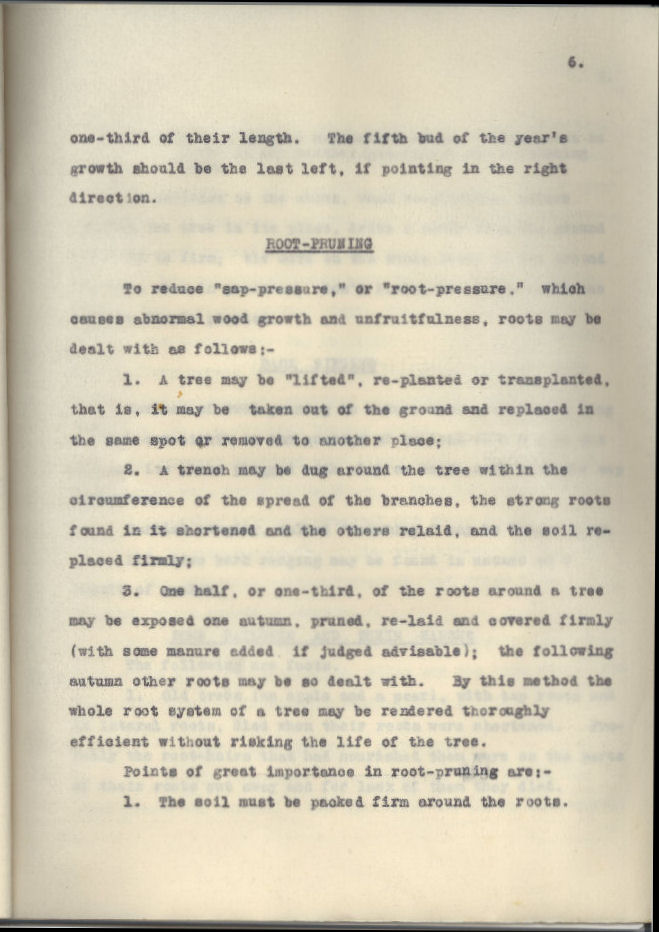 Page 6 |
 Page 7 |
 Page 8 |
 Page 9 |
 Page 10 |
Page 11 |
 Page 12 |